Creating an "affected too" ticket from the current IT disruption
To create an "affected too" ticket from the current IT disruption:
Click and open a current IT disruption.
A drawer with the disruption details opens.
Click Affected too.
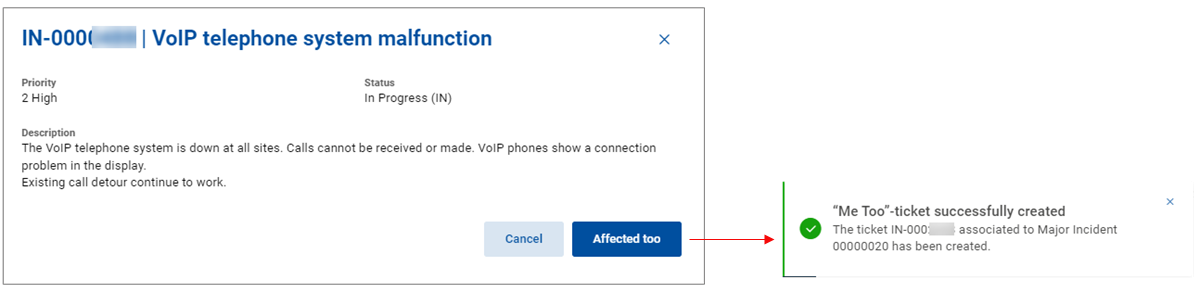
Now the "affected too" ticket has been successfully created.
The ticket is associated with the superior Major Incident automatically.