Reading the news on the Welcome Page
To read the news on the Welcome Page:
Go to the Welcome Page.
Locate the News dashlet to skim through the latest news.
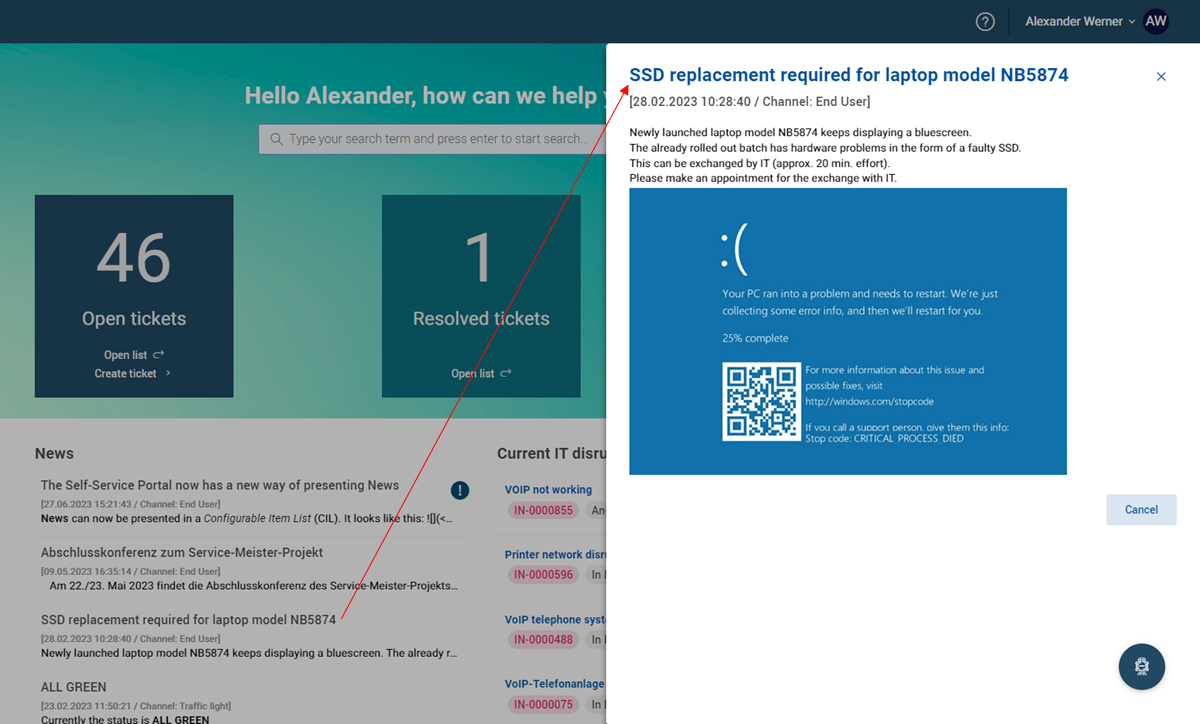
Click the selected news.
The news drawer slides in from the right.
Here you can read a full description of the selected topic.
Click Cancel to close the drawer.