Homepage considerations
The look and feel of the homepage stems from a combination of direct customization and shop data administration. Here is a breakdown of these influences:
Homepage element | Depends on... | |
|---|---|---|
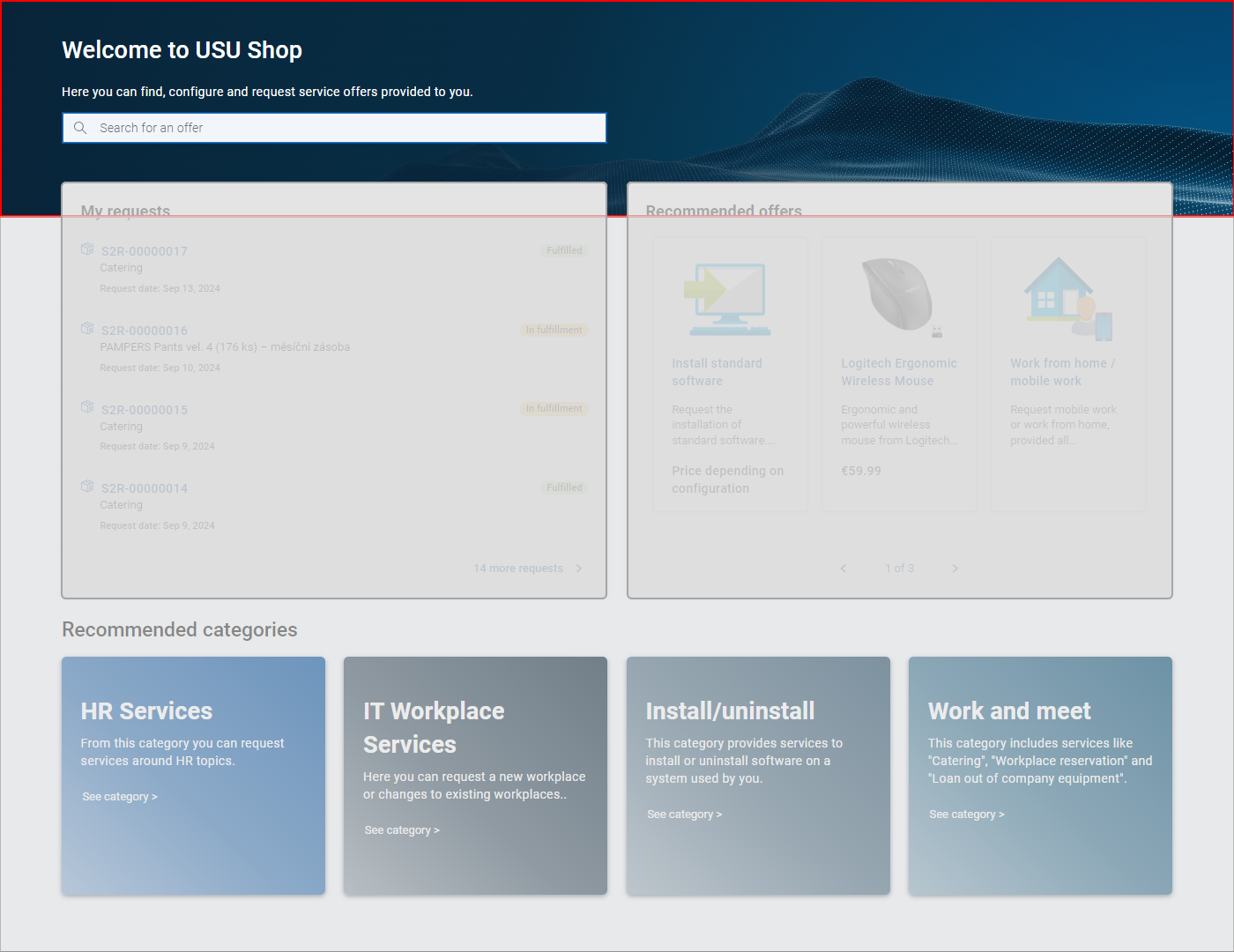 | Welcome section | Direct customization: The presence and content of this section are determined by Shop settings. See Shop settings, topic Welcome section configuration. |
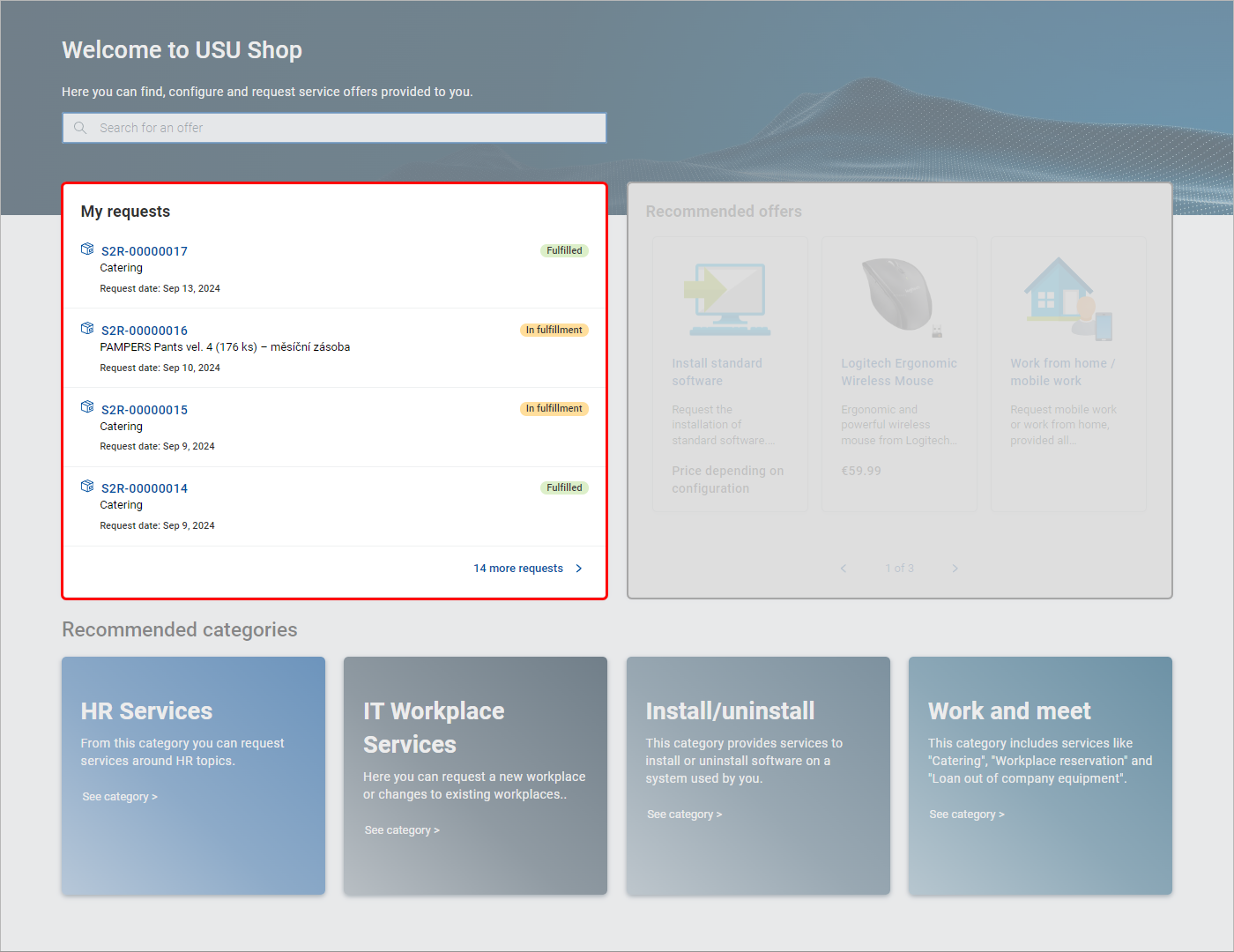 | My requests | Always present: The My requests widget is always present in the home page. If no requests are registered for the current user, message You don't have any requests so far is displayed in the widget. |
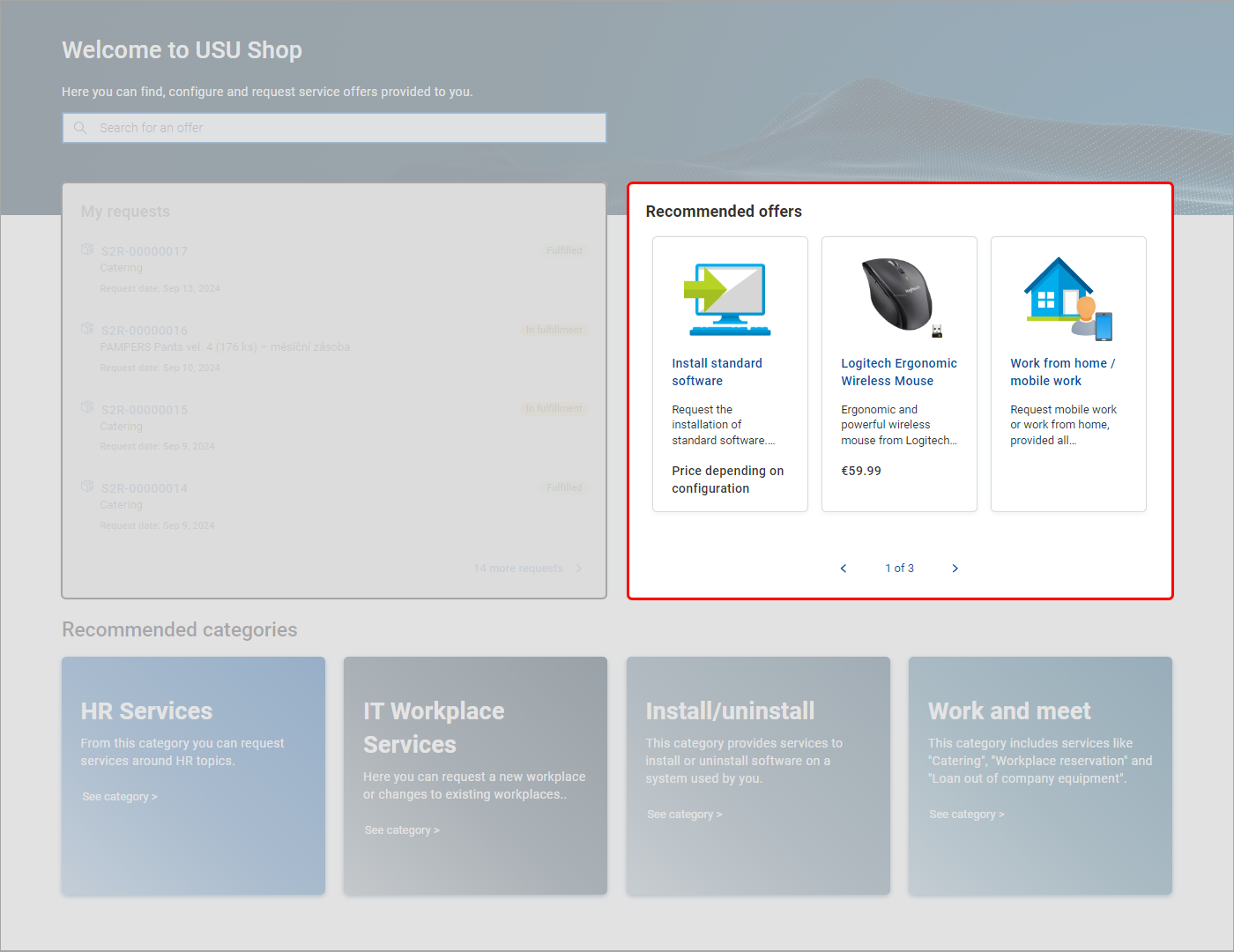 | Recommended offers | Shop data: The Recommended offers widget is displayed only if at least one active offer marked as recommended exists in the shop data. With Recommended offers missing, the My requests widget (normally left of Recommended offers) assumes a center position horizontally. See Offer use cases, topic Mark offer as recommended. |
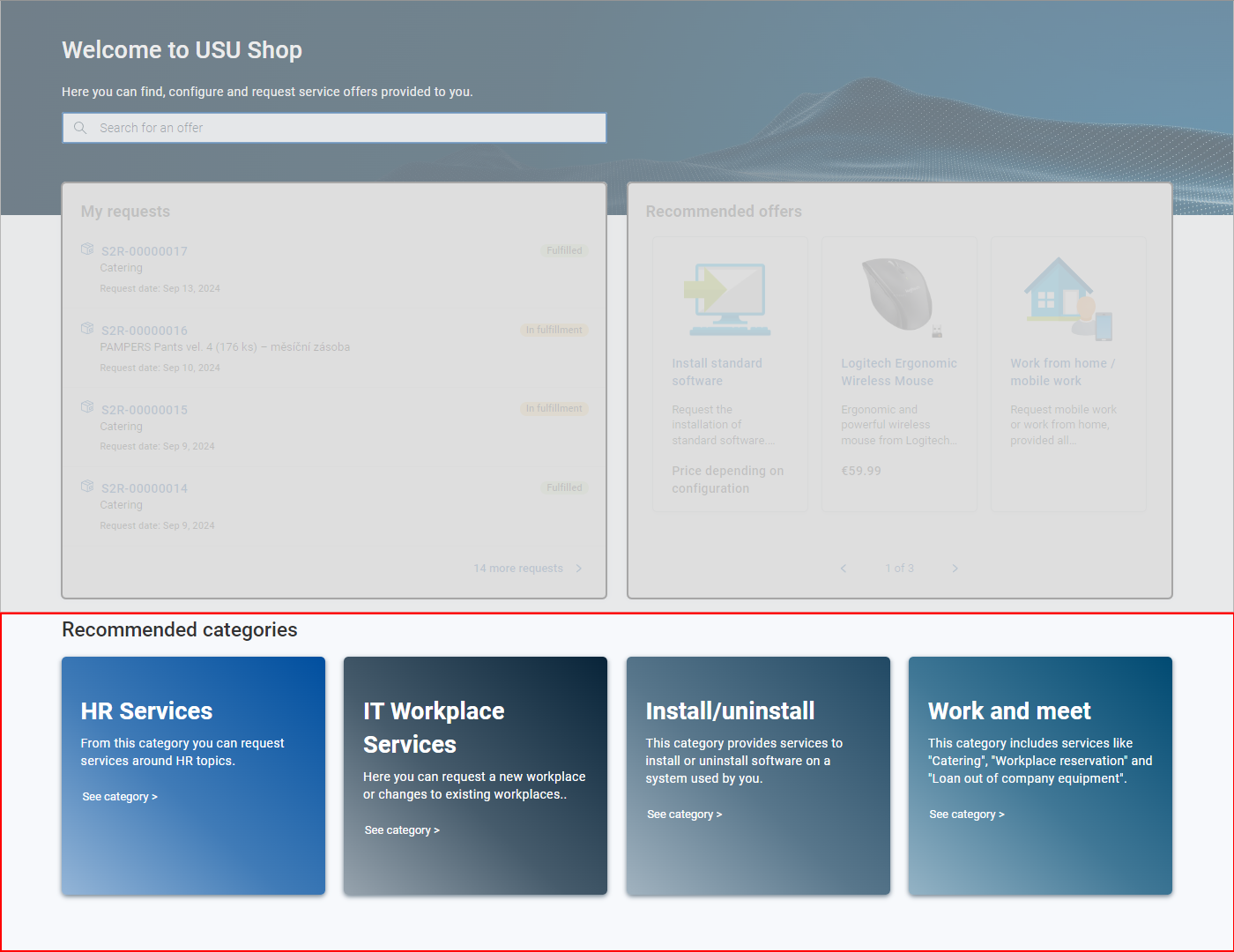 | Recommended categories | Shop data: The Recommended categories section is displayed only if at least one category marked as recommended exists in the shop data. (Similar as above, the category must be active and must contain at least one active offer.) See Category use cases, topic Mark category as recommended. |
Well judged specification of recommended categories and offers together with the Welcome section can make the homepage not only information rich, but also pleasing to the eye.